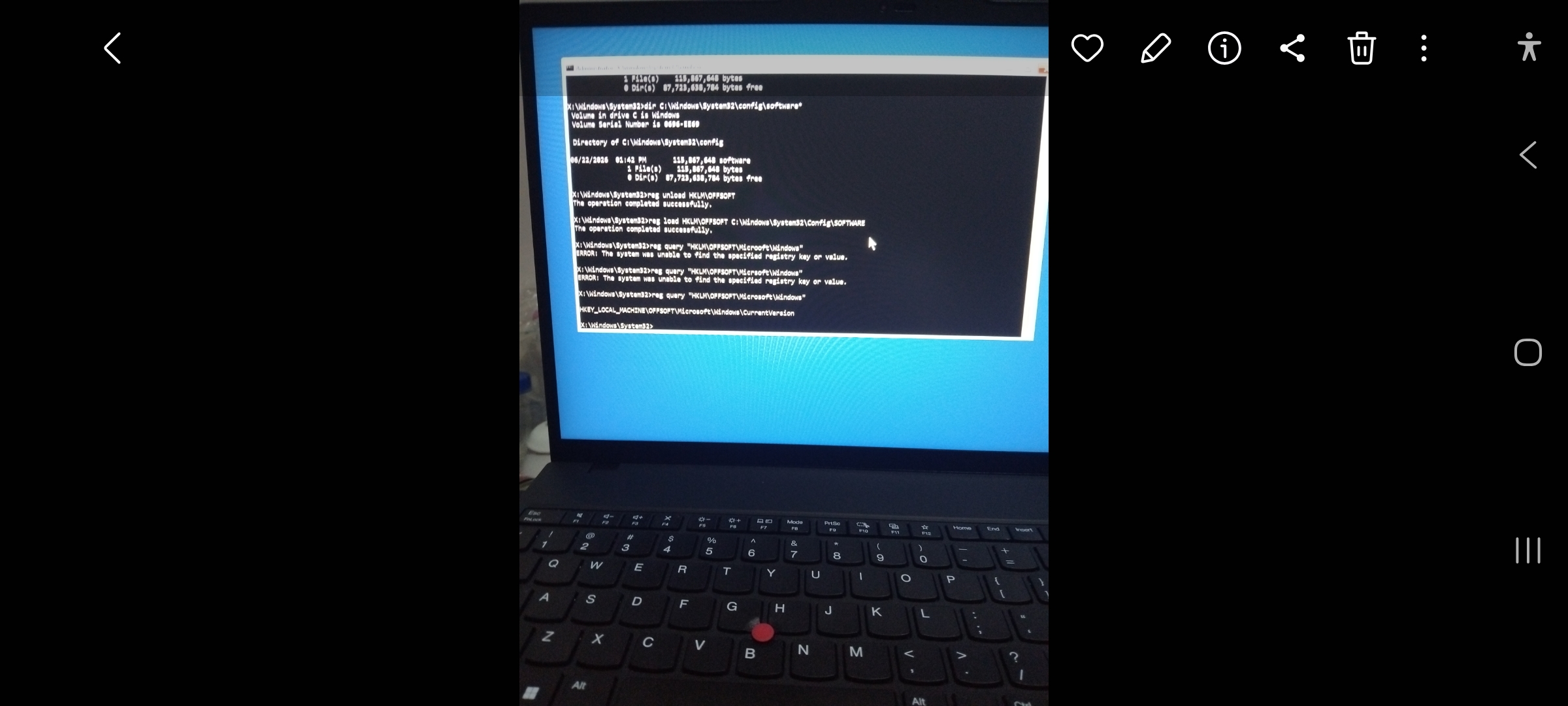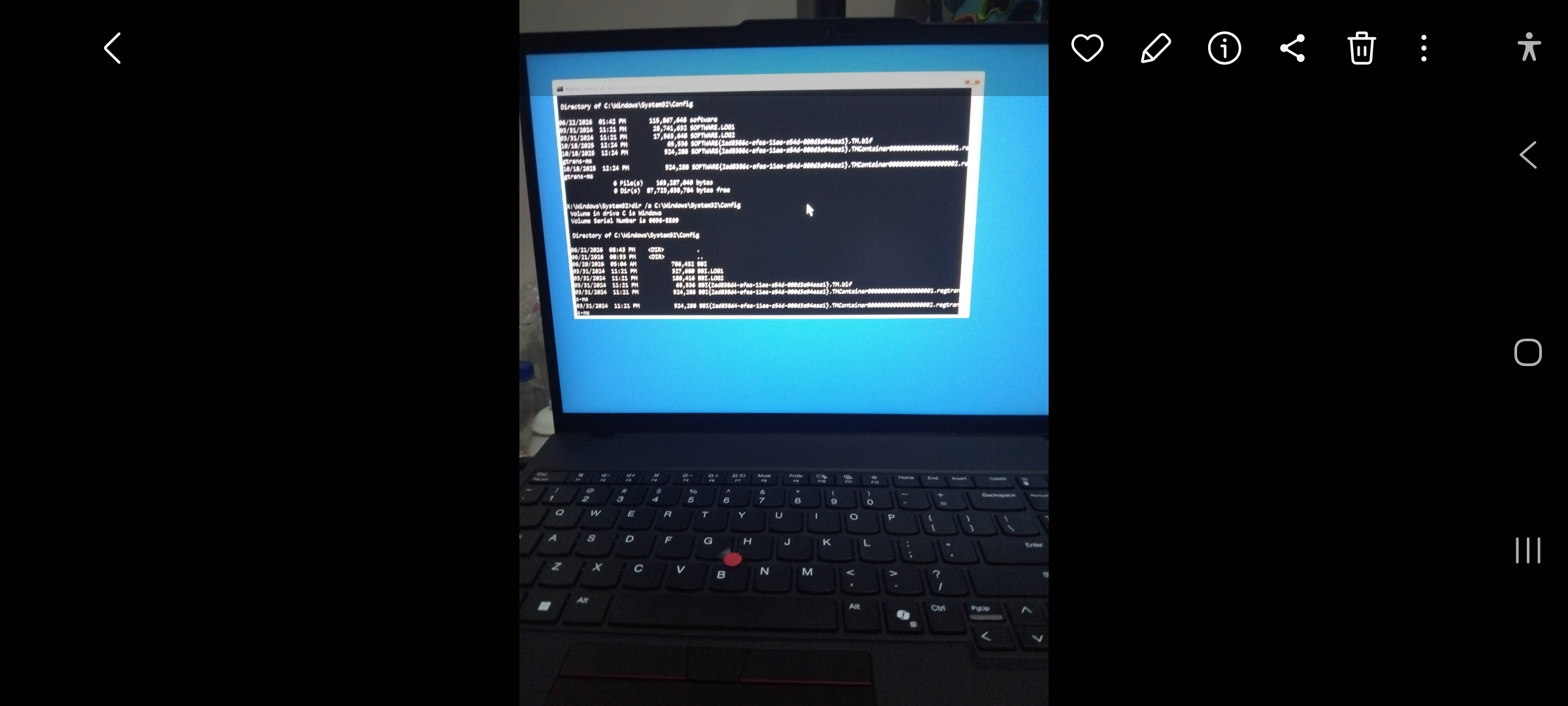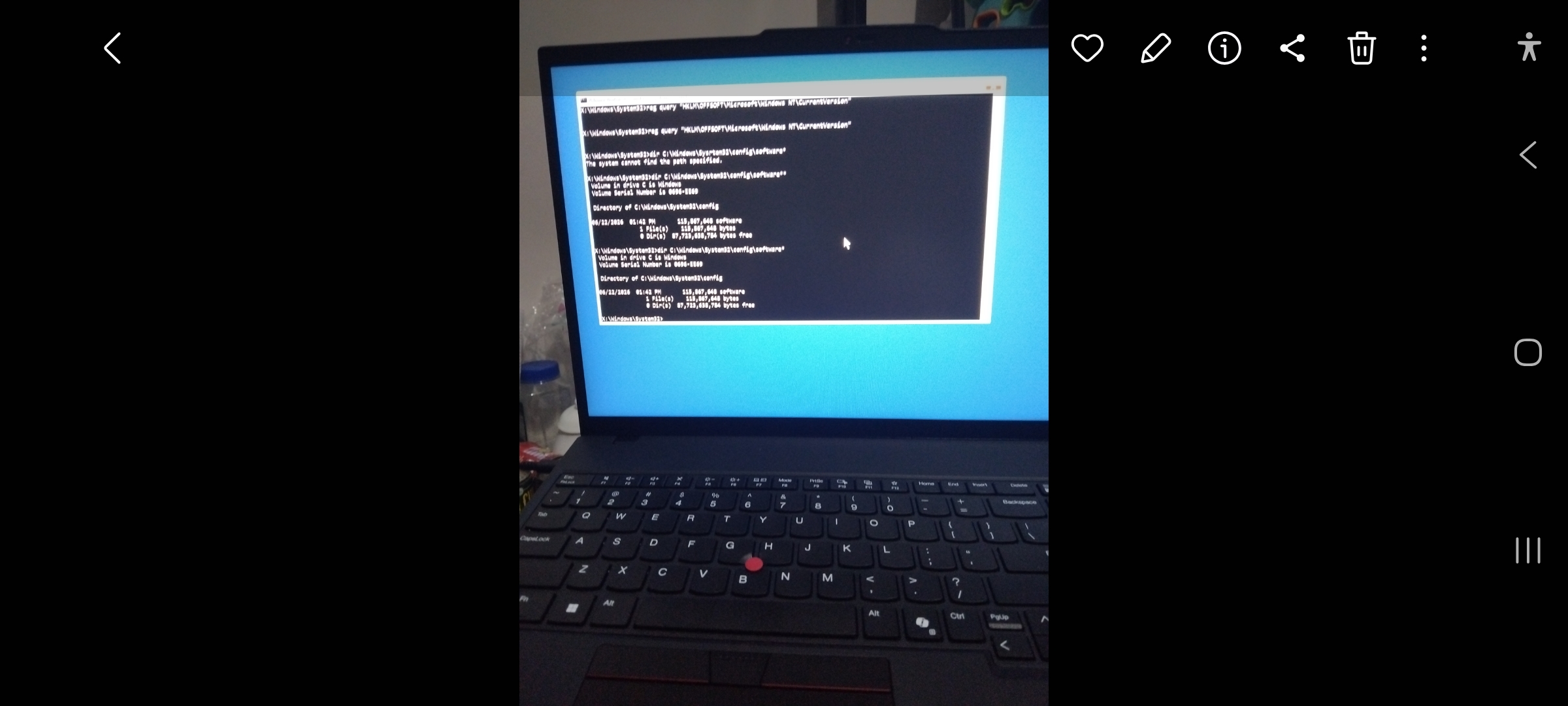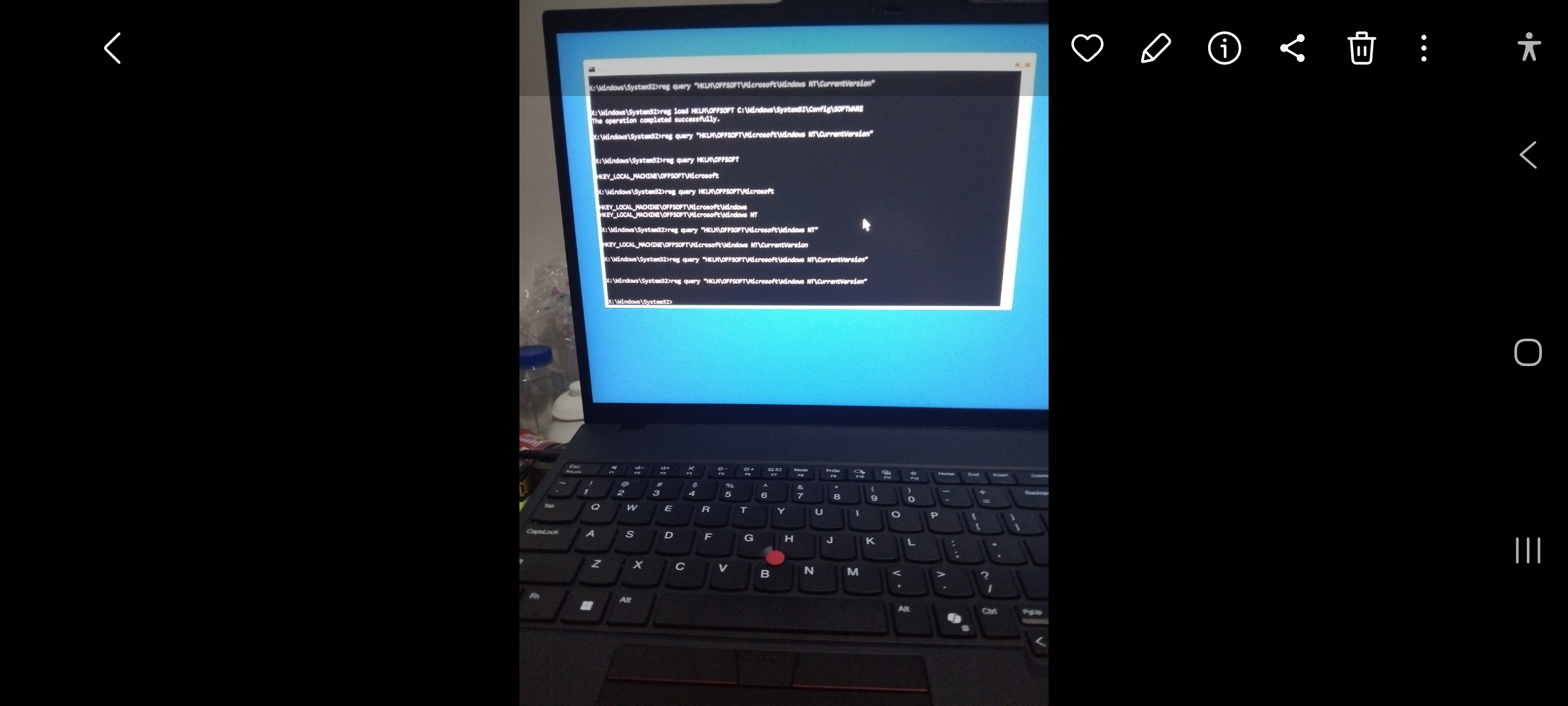
The Resurrection of LGX
How a Dying HP Laptop Saved a Brand-New Lenovo
Cast
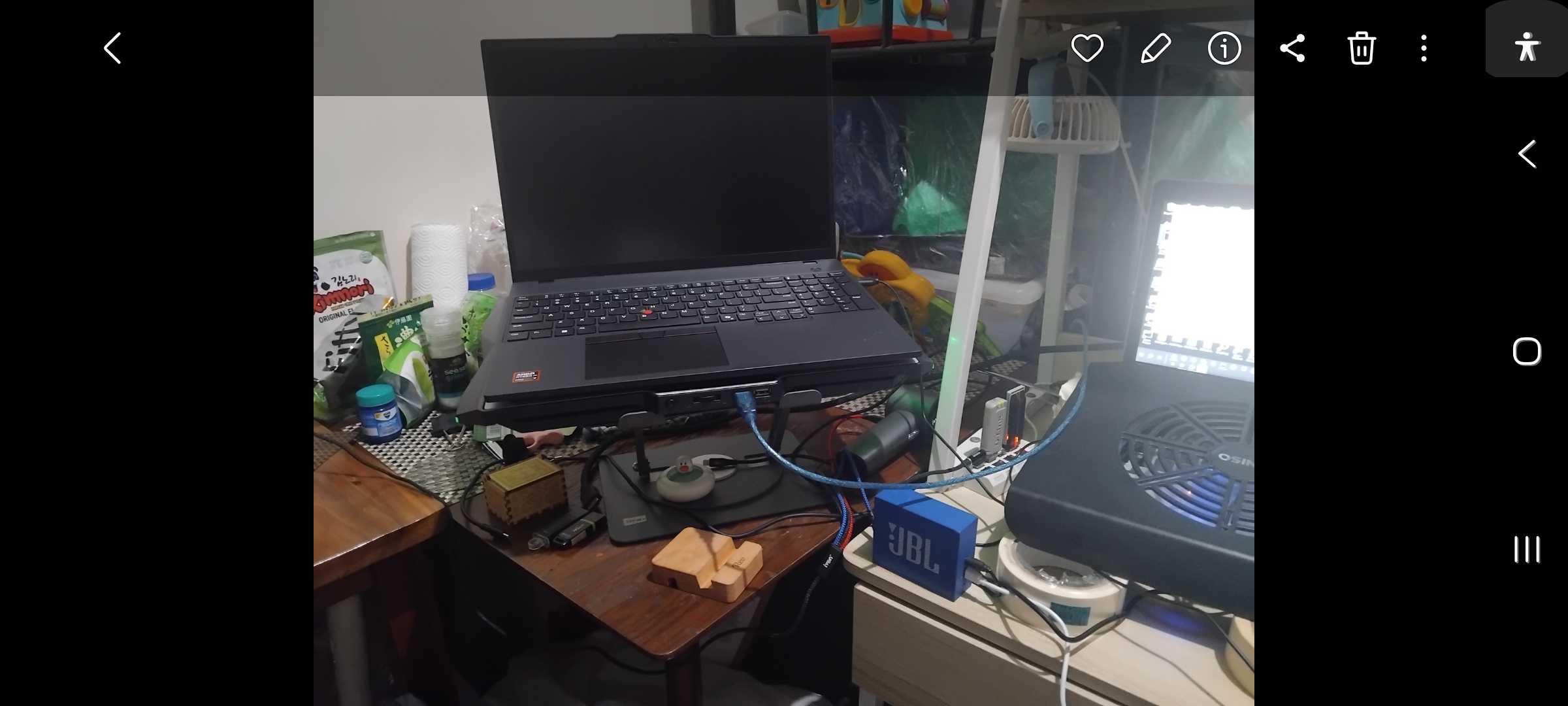
LGX
A brand-new Lenovo ThinkBook.
HPF
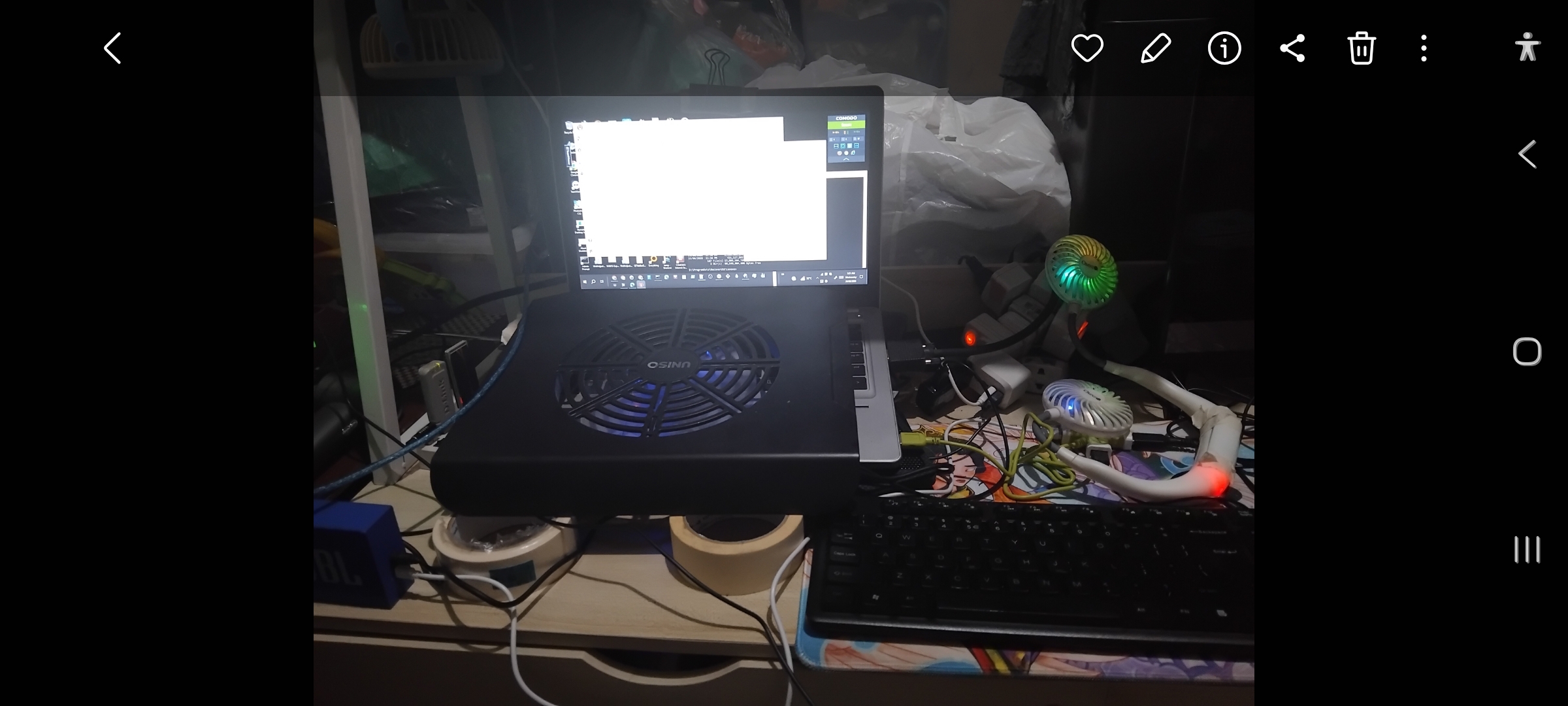
An aging HP EliteBook Folio 9480m that refuses to retire.
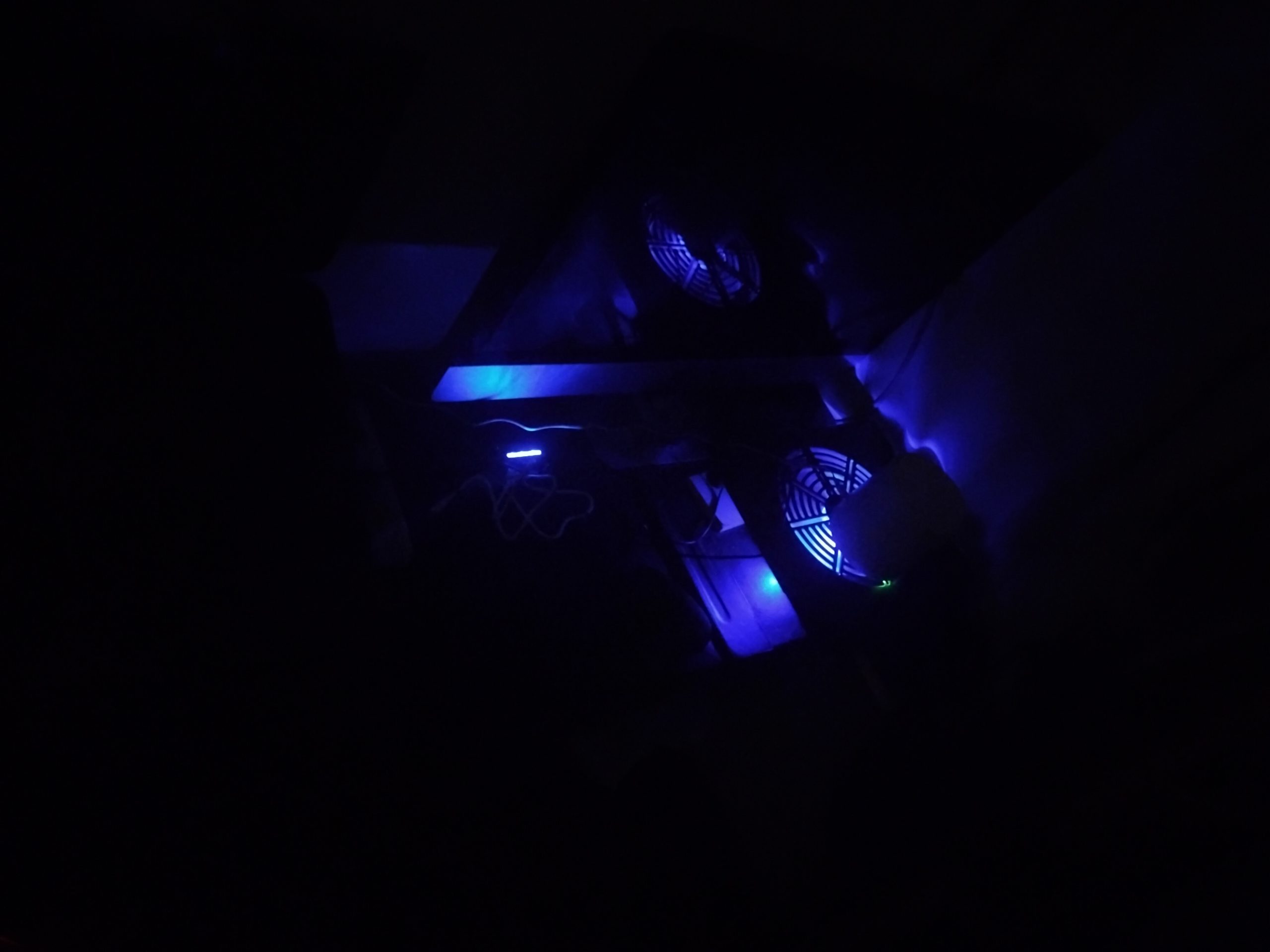
Jet Fan
Unexpected supporting character.
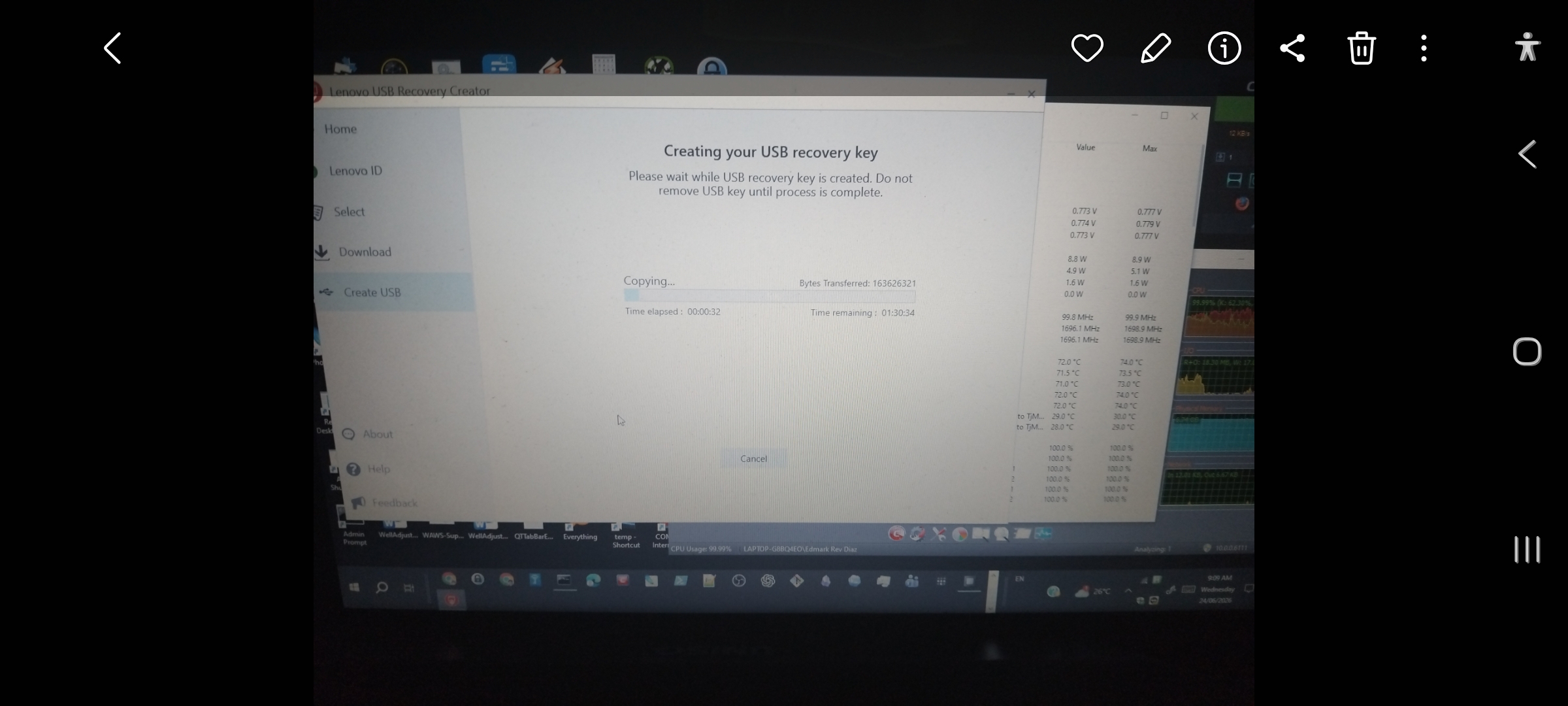
Lenovo Recovery Creator
Antagonist.
Every IT professional has a story that sounds made up.
This is mine.
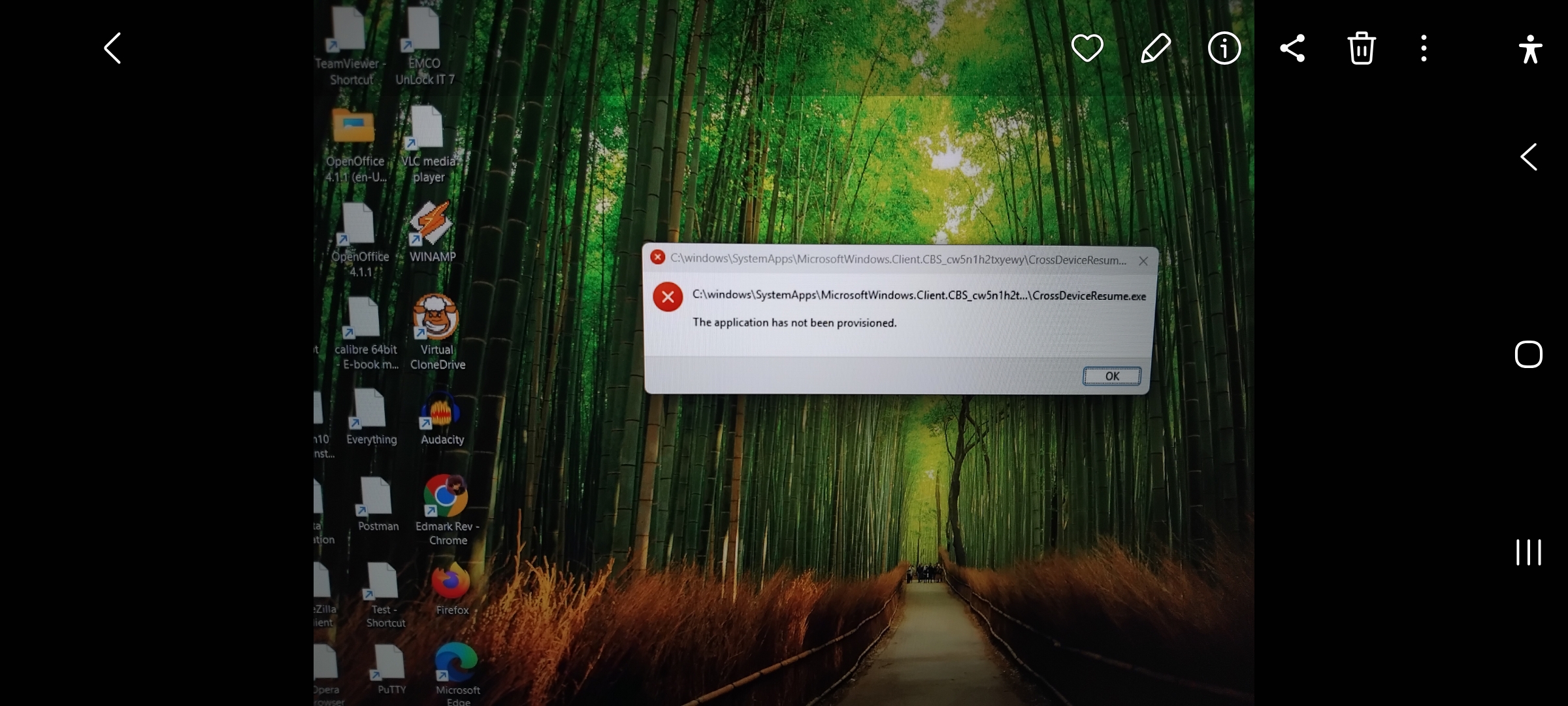
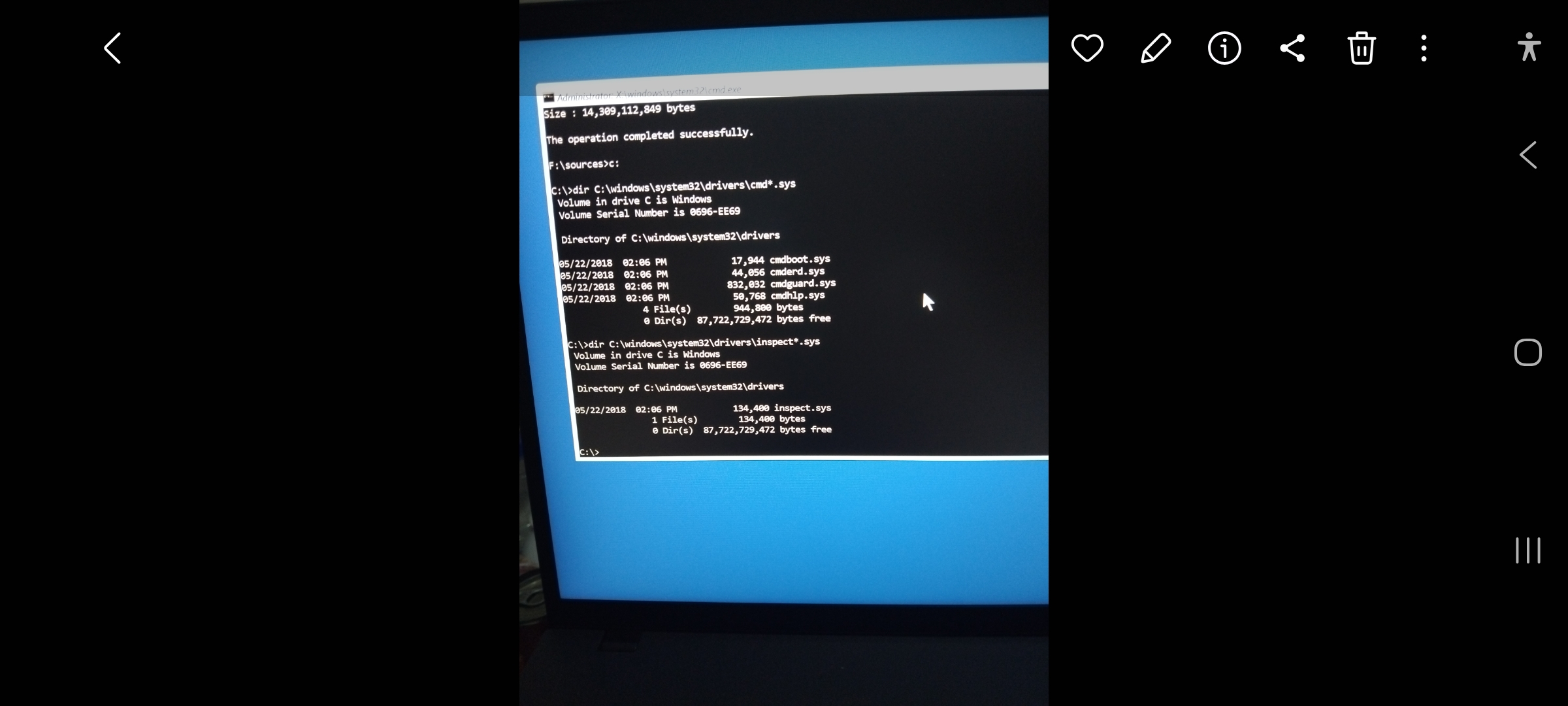
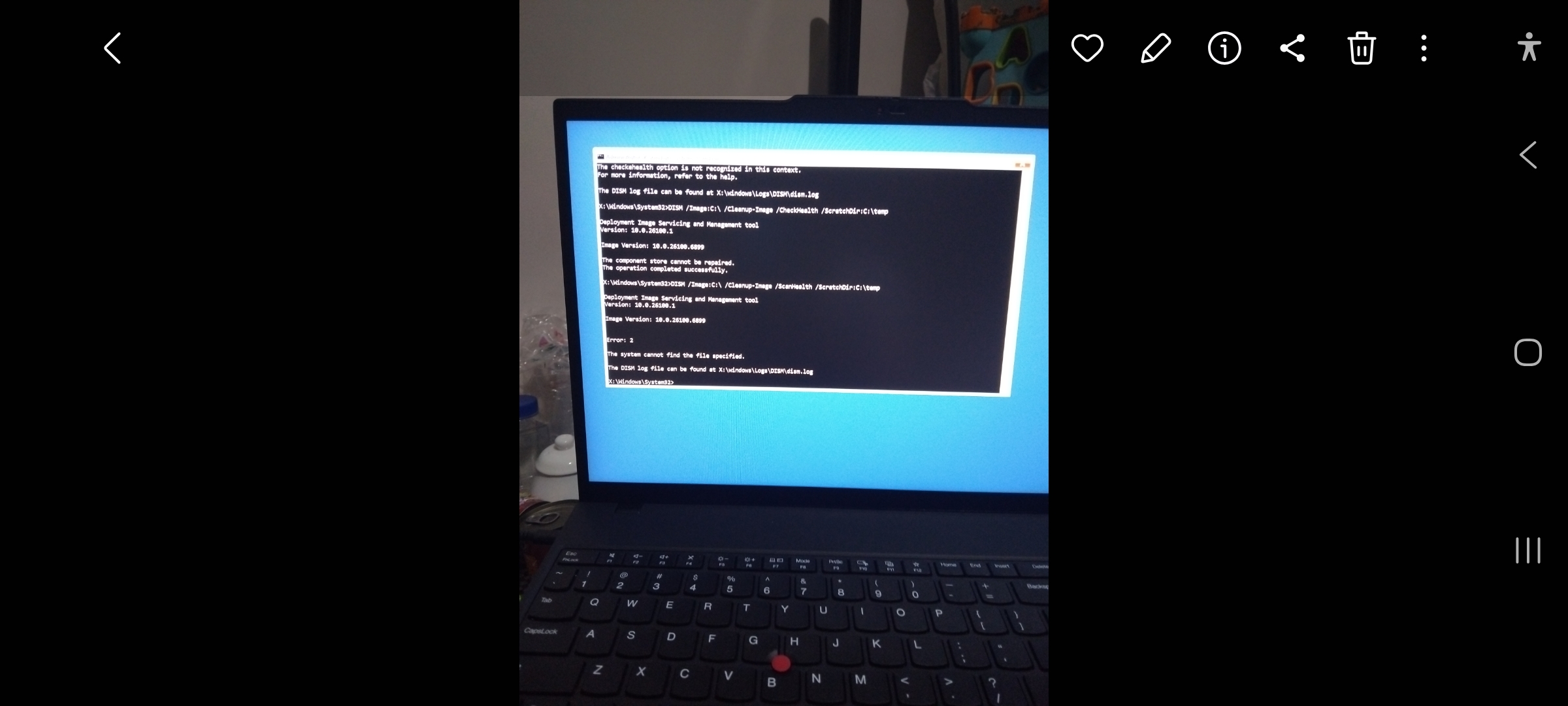
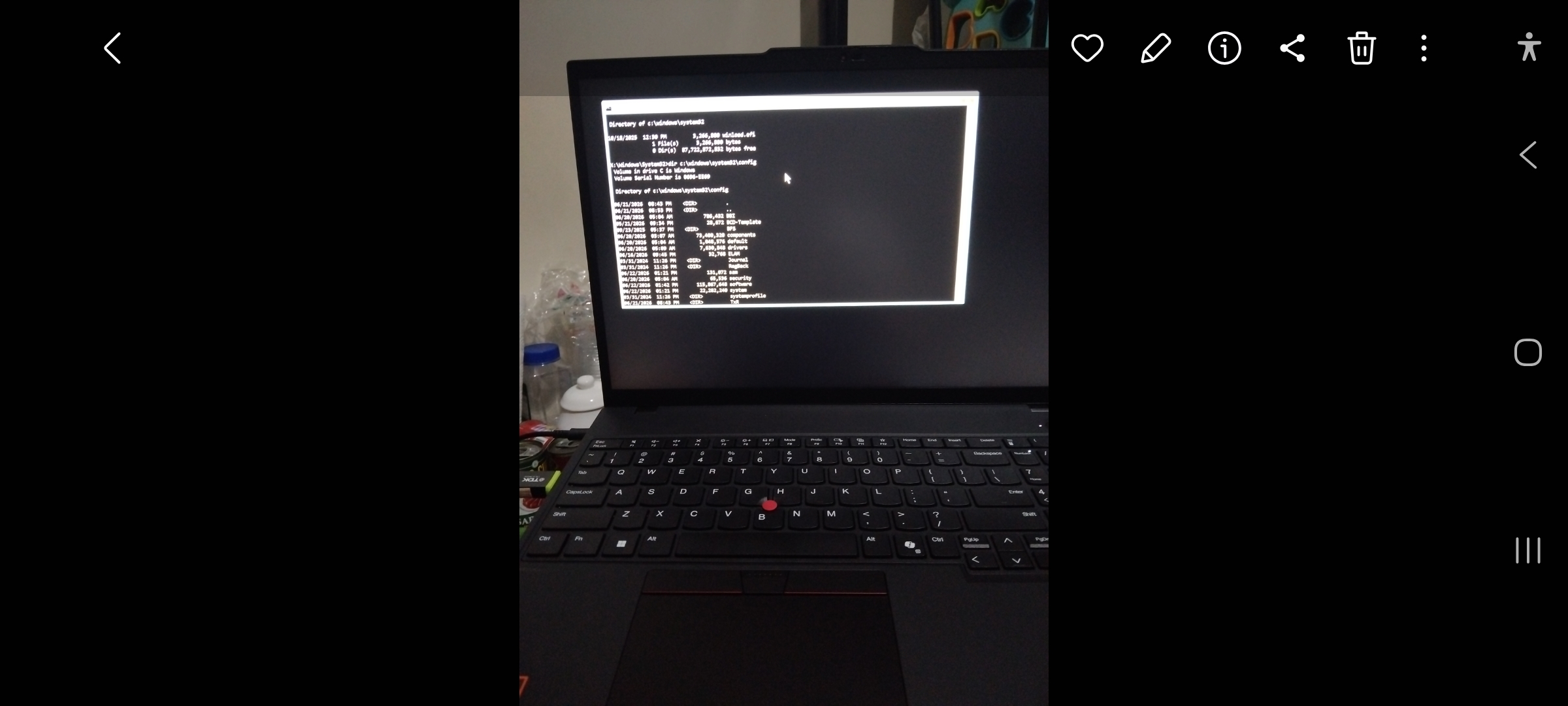
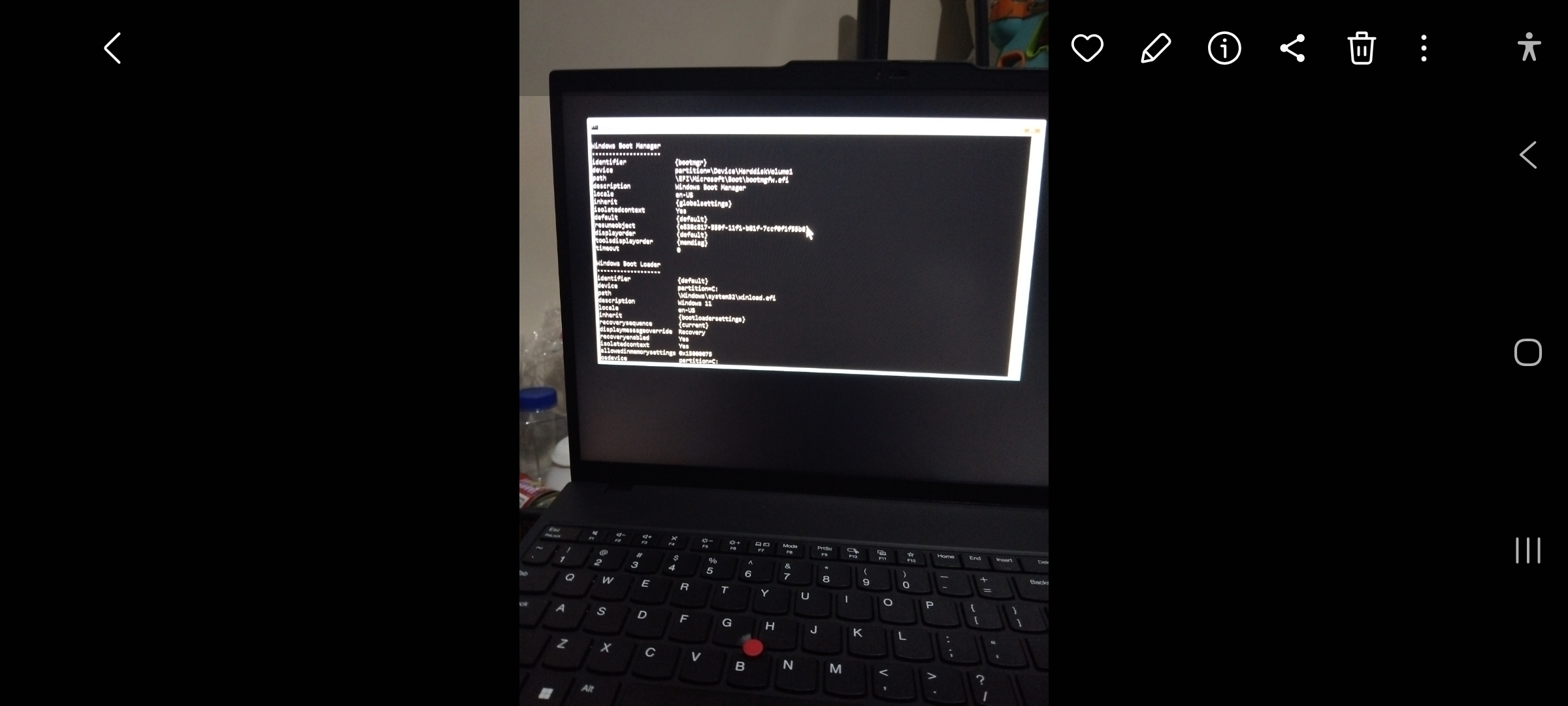
A few days after receiving my brand-new Lenovo ThinkBook, which I affectionately named LGX, it suddenly crashed with the dreaded blue screen error:
CRITICAL_PROCESS_DIED (0xEF)
At first, I wasn’t overly concerned. Windows crashes happen. Reboots fix things. Restore points save the day.
Not this time.
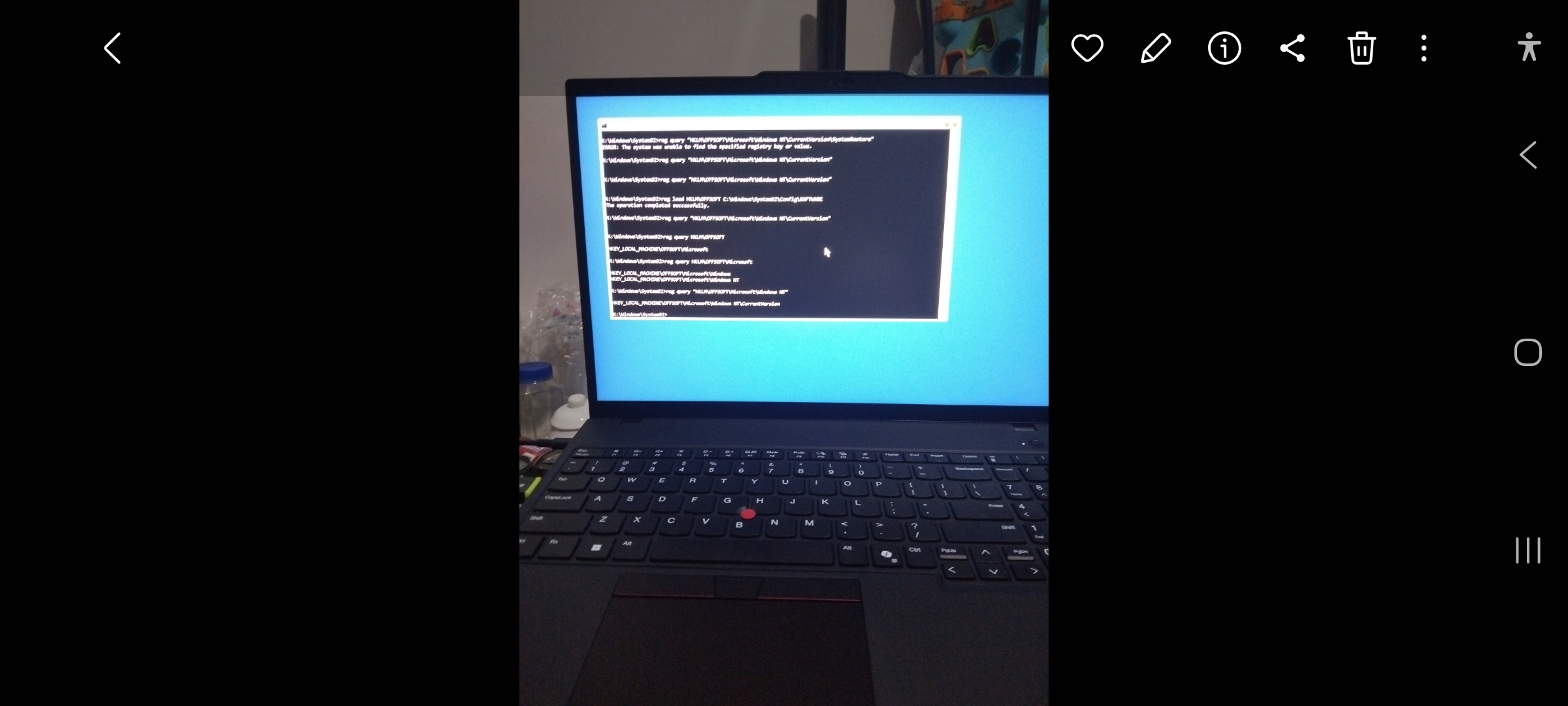
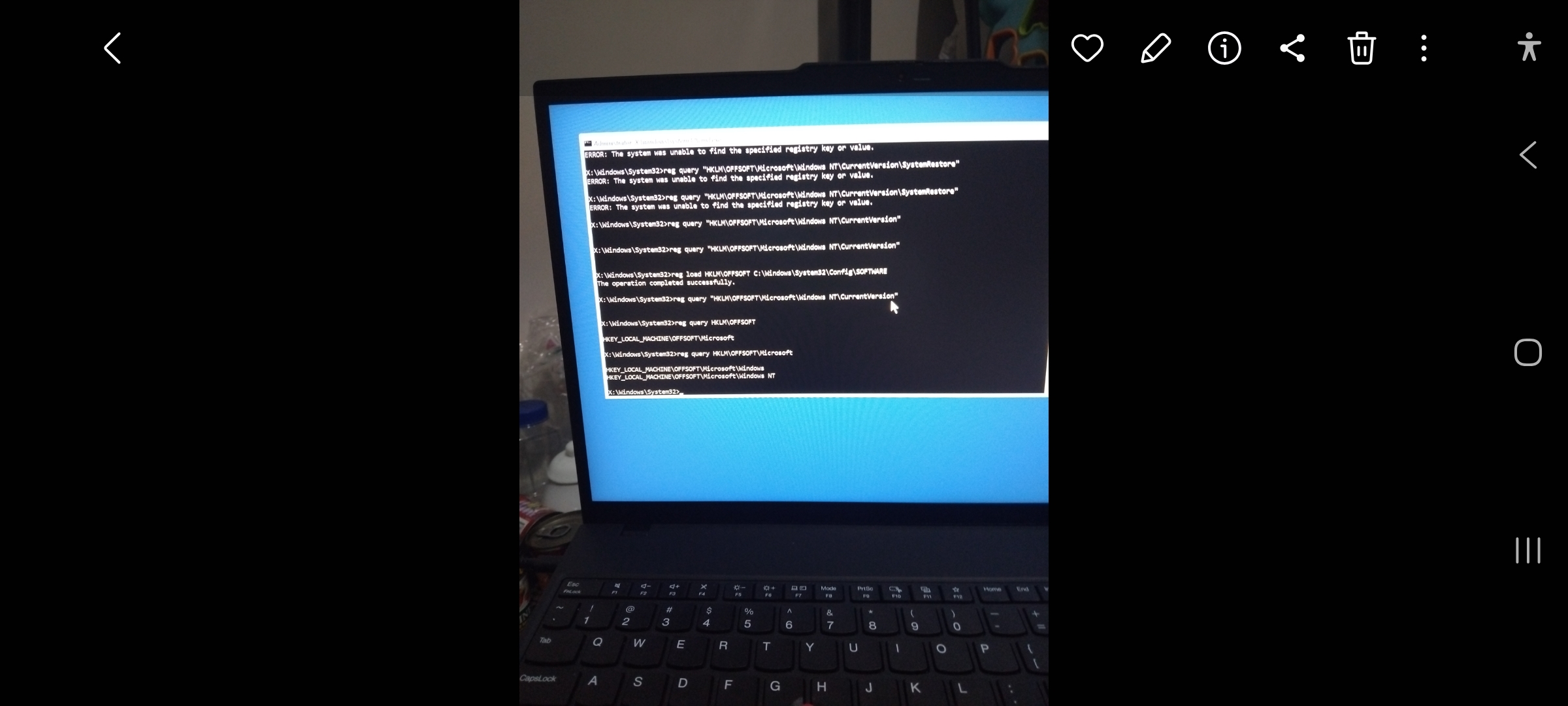
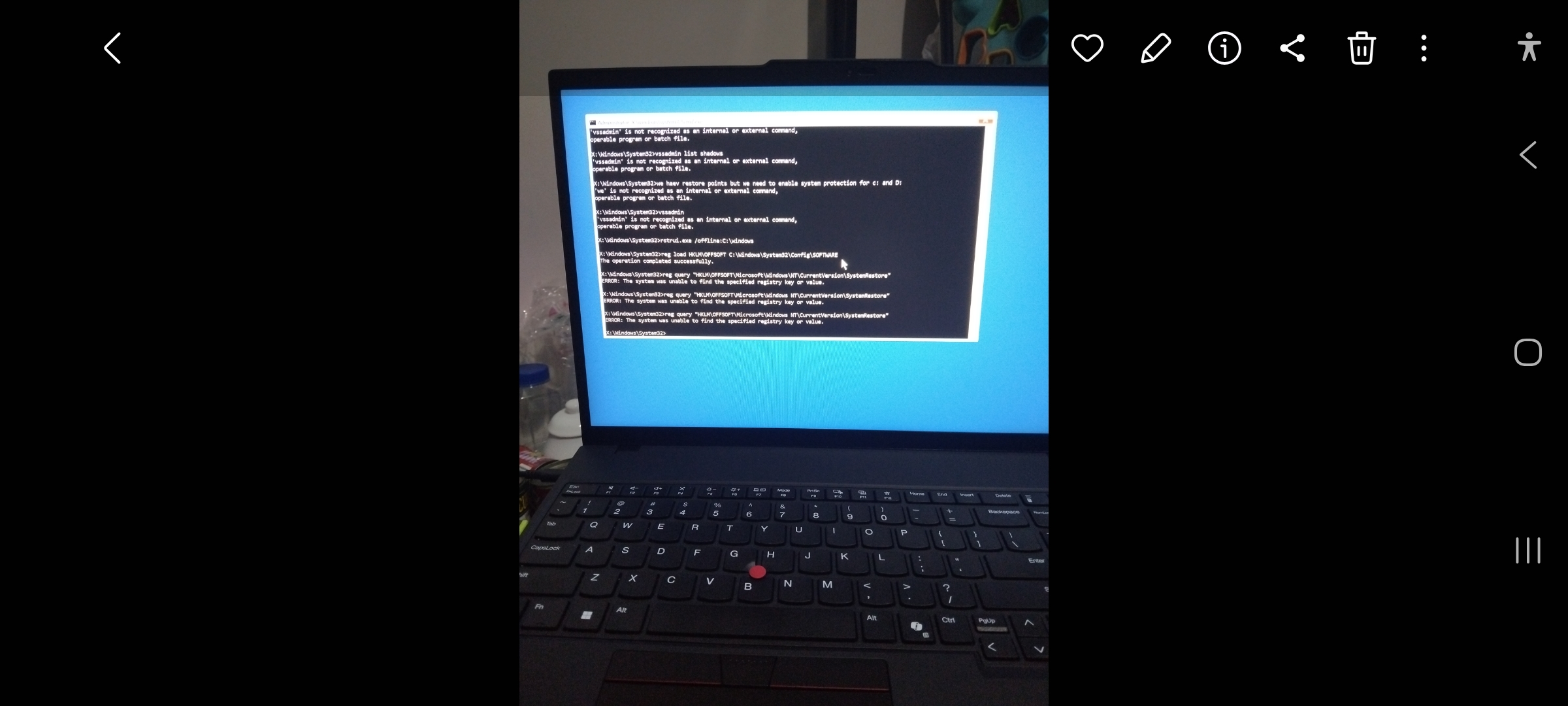
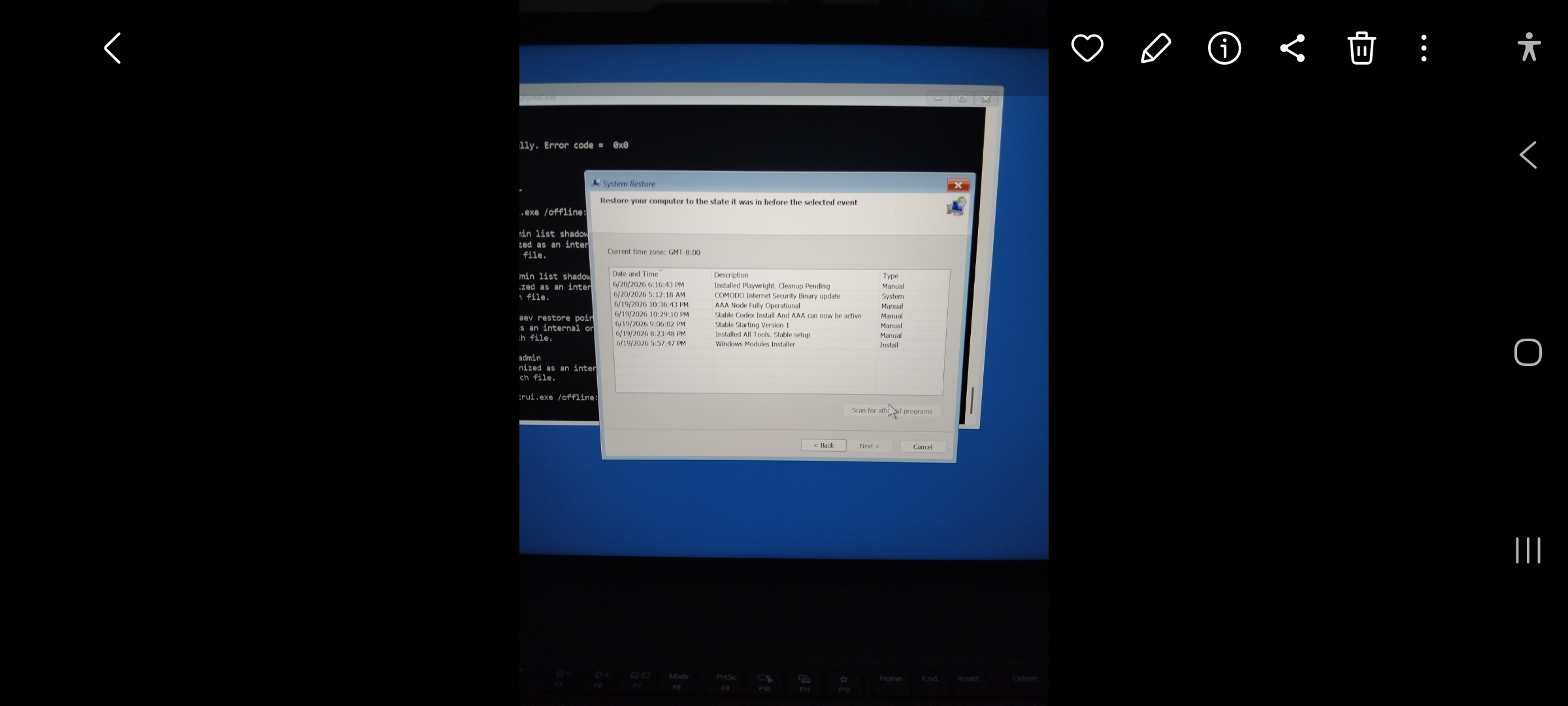
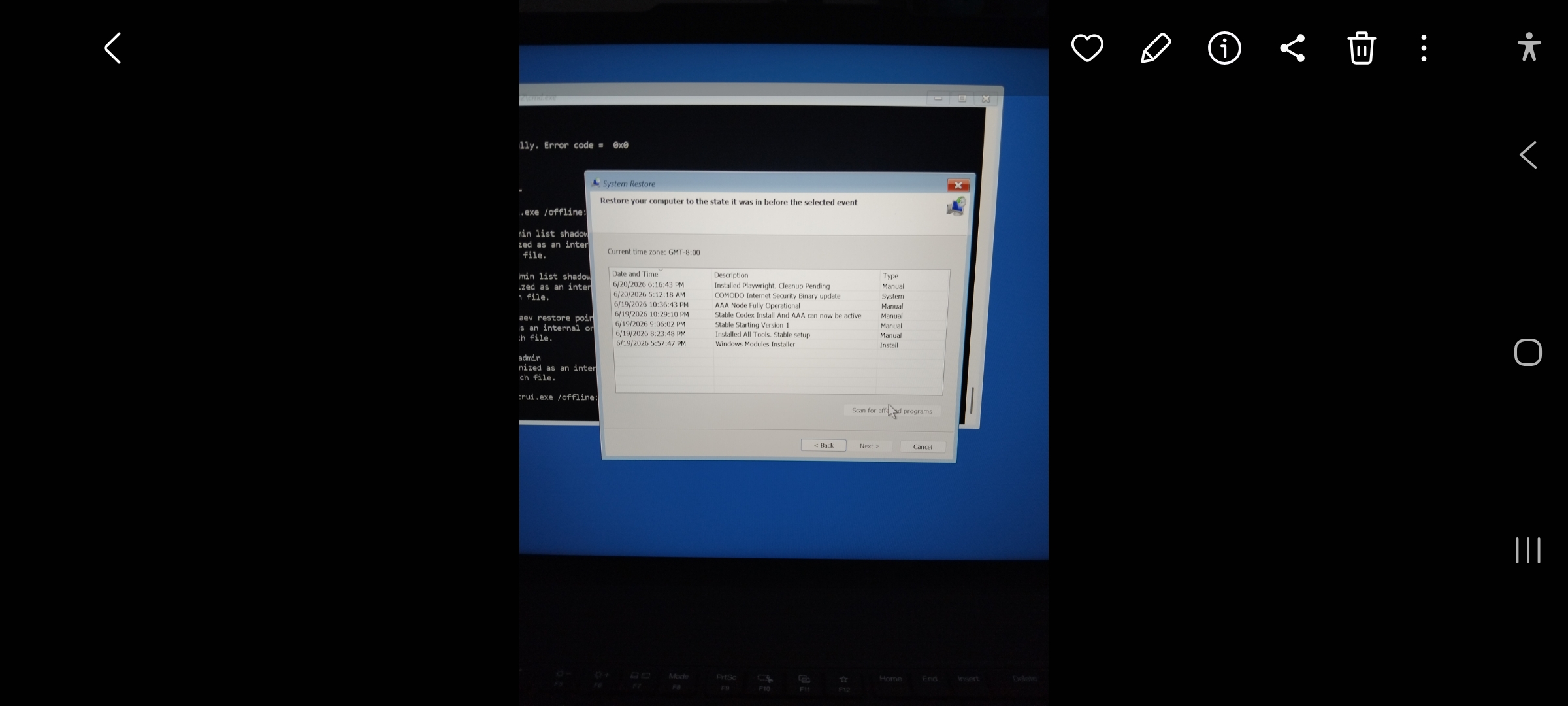
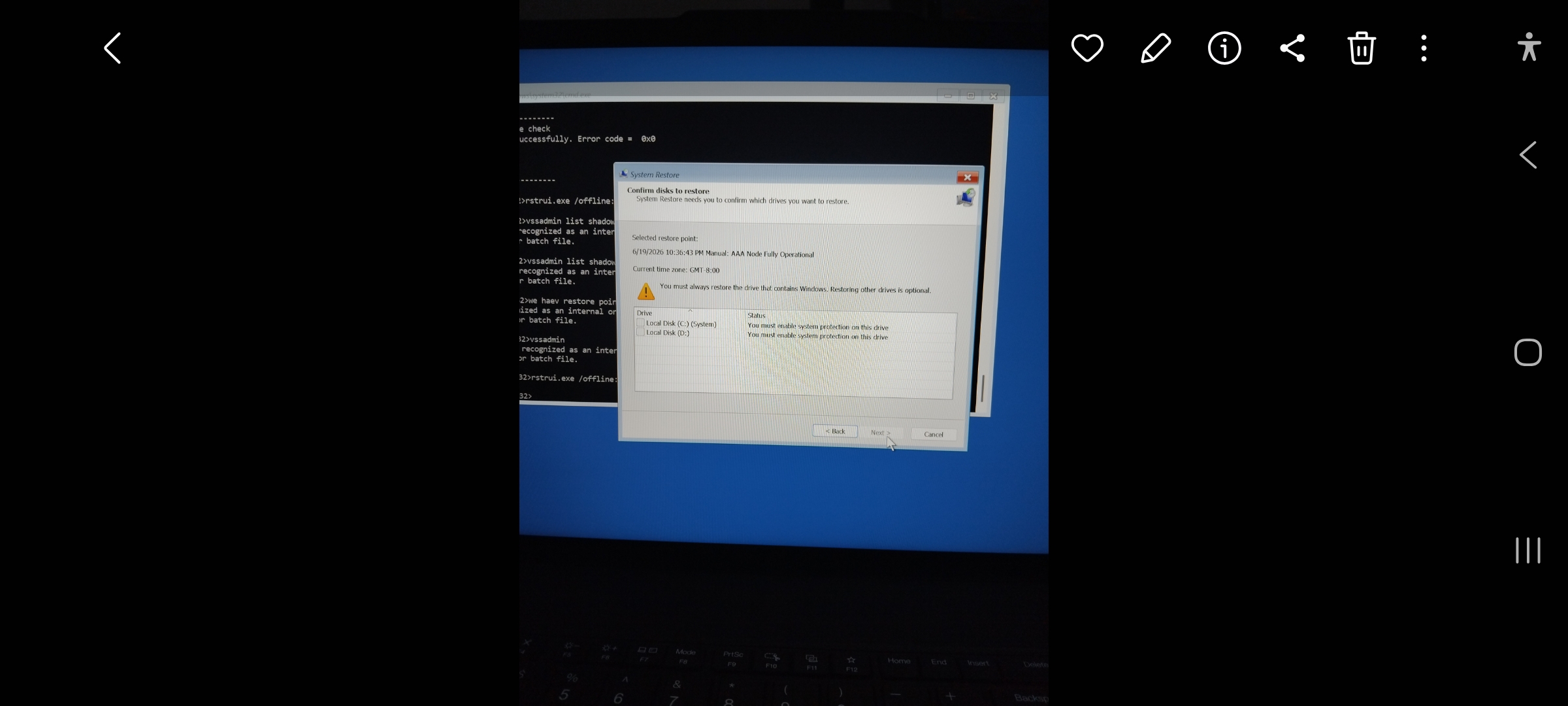
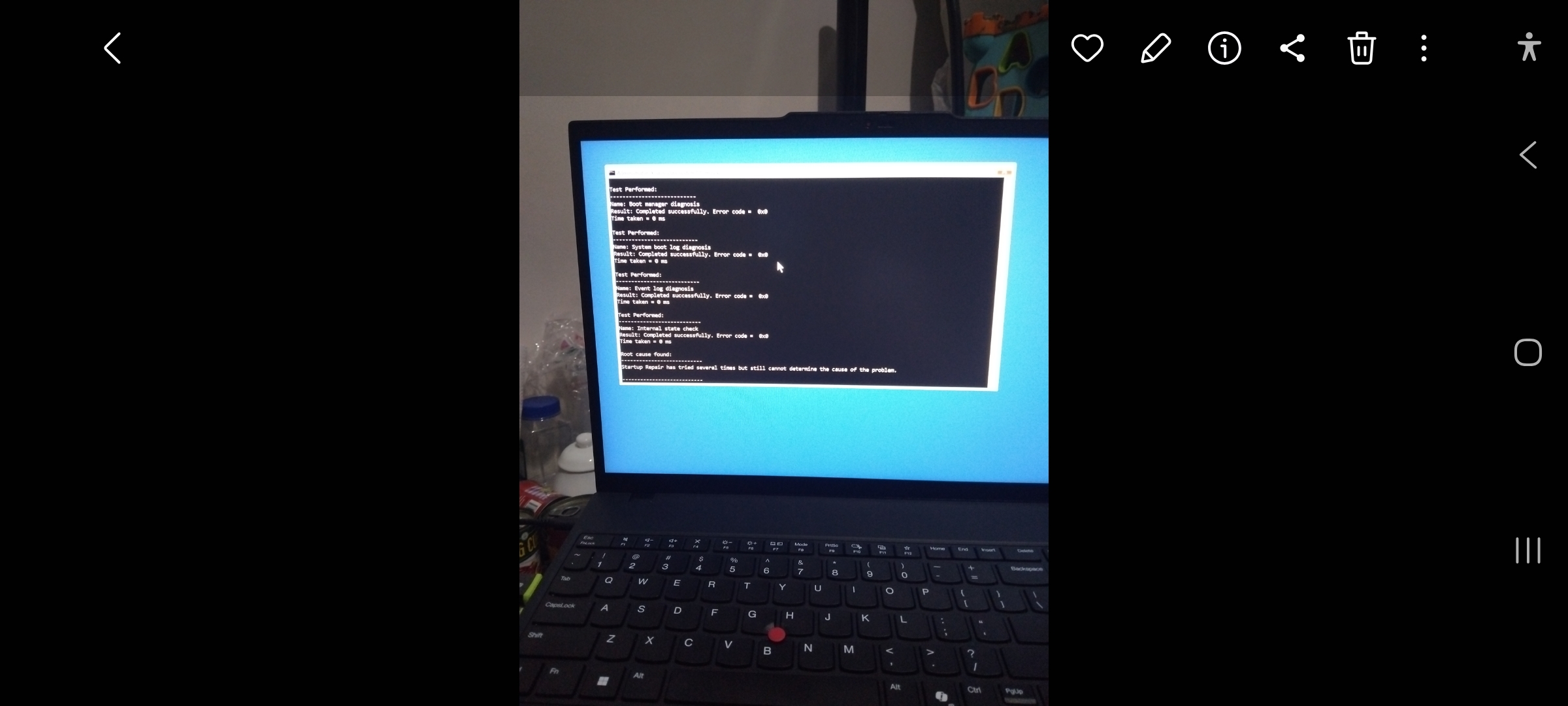
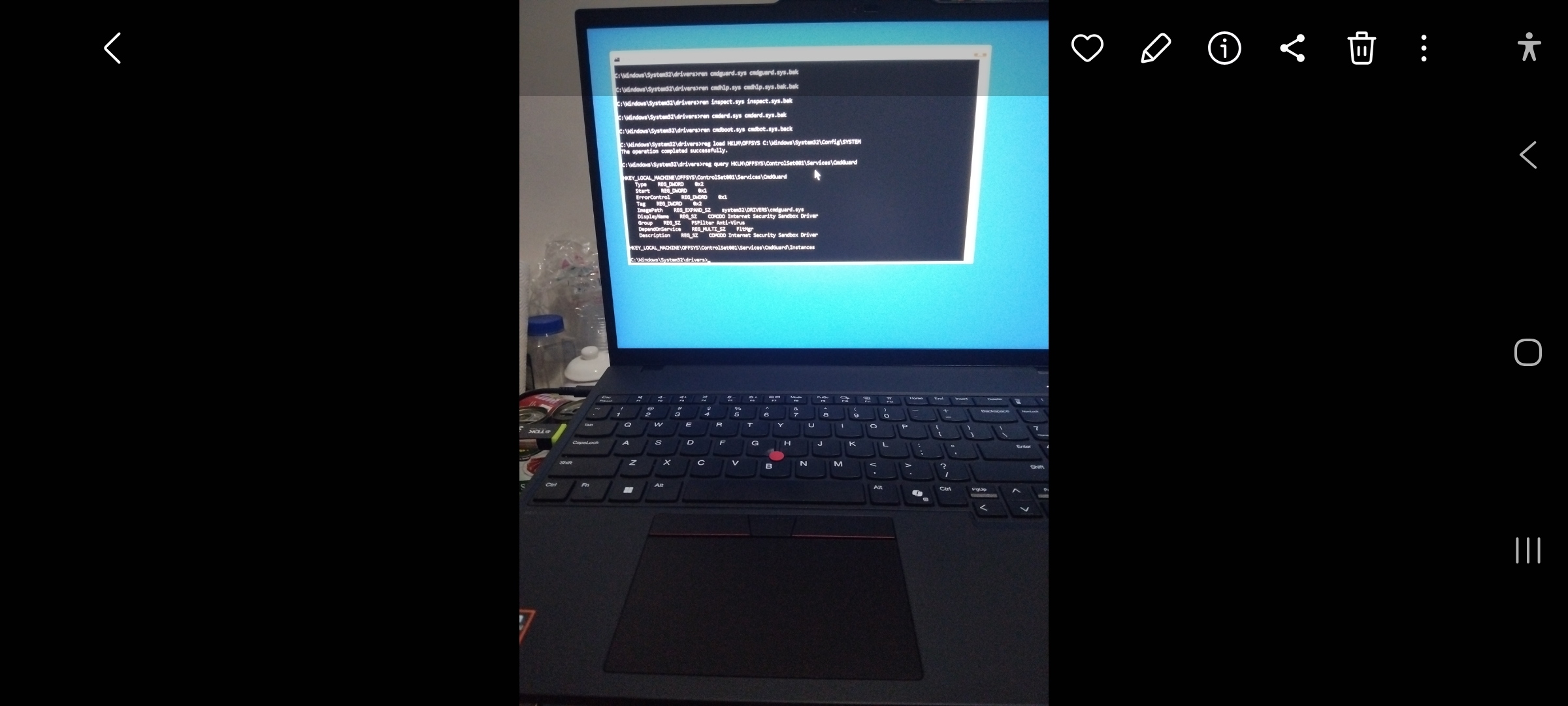
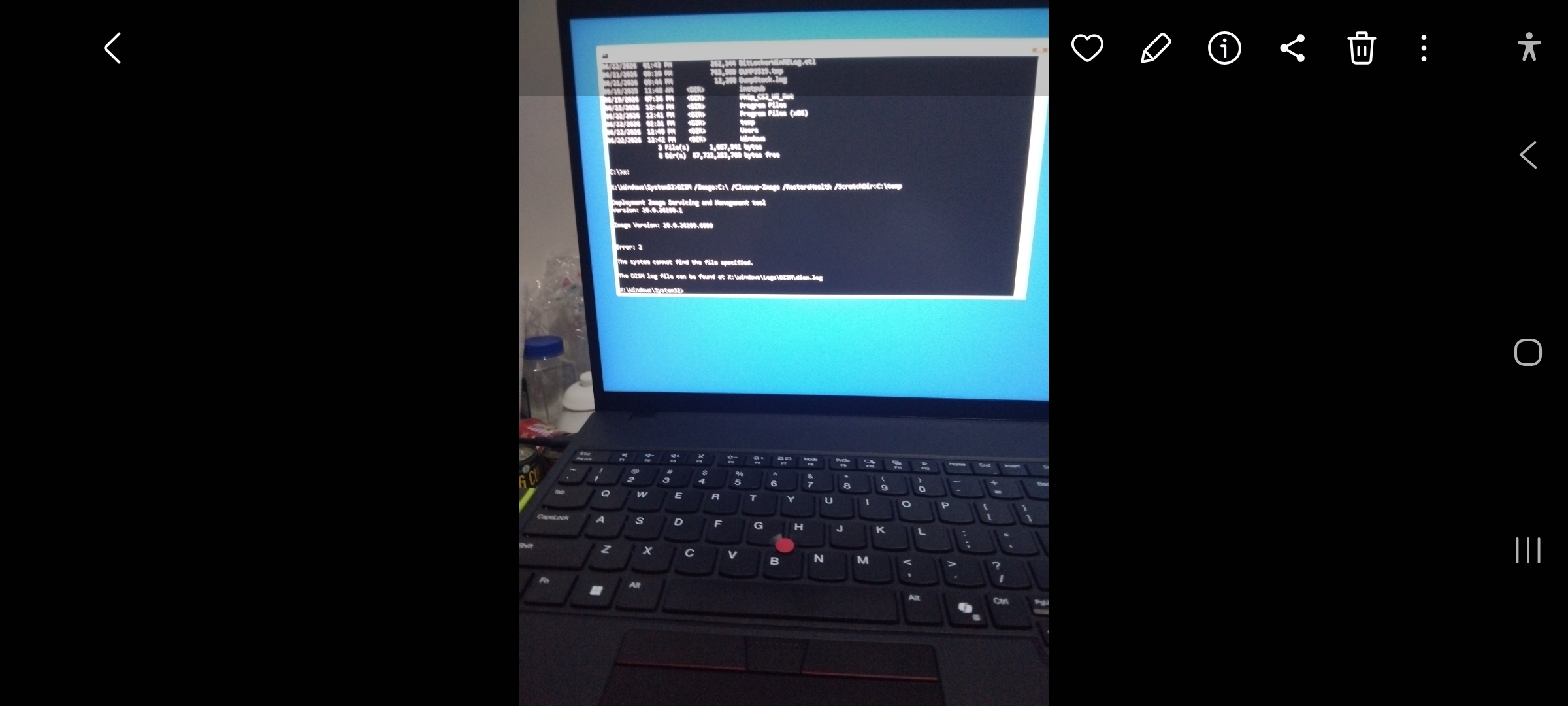
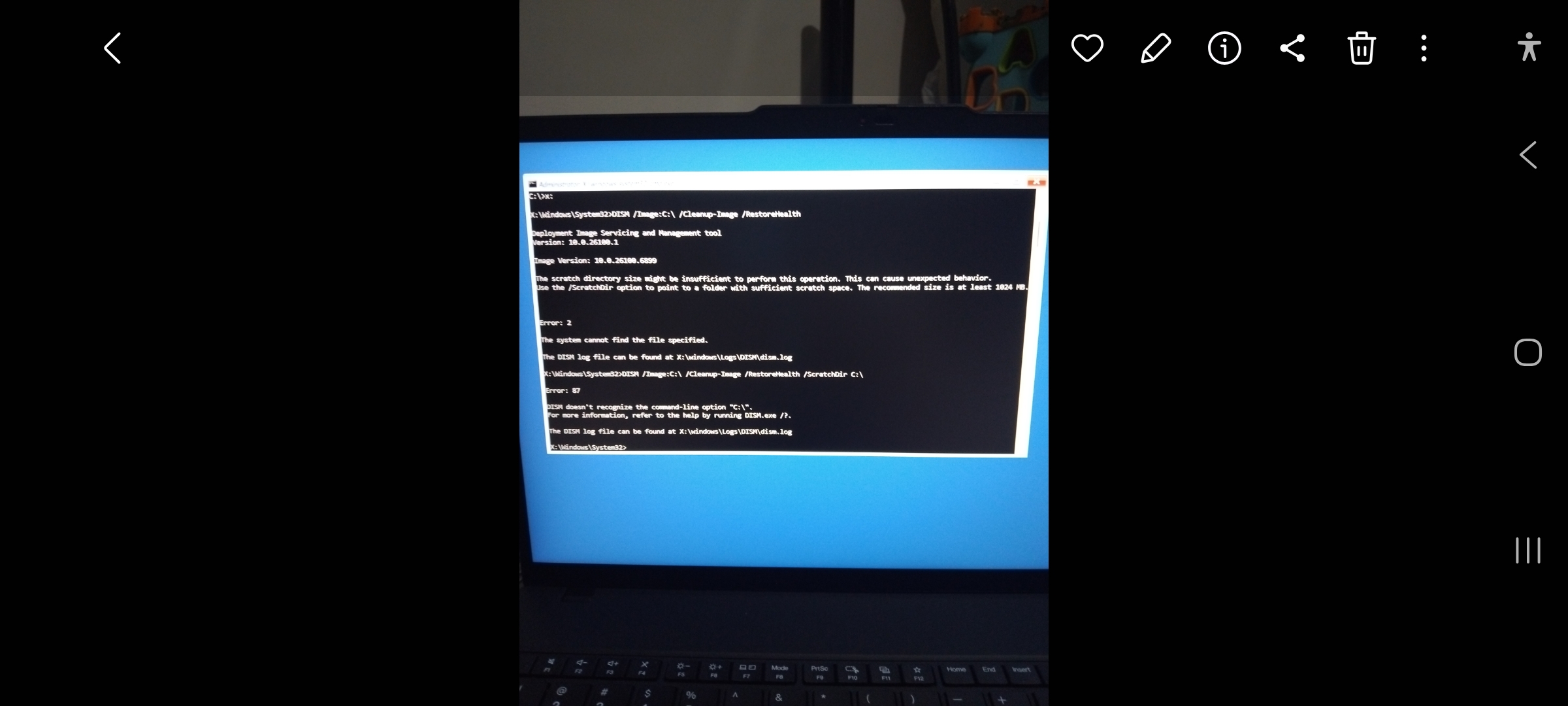
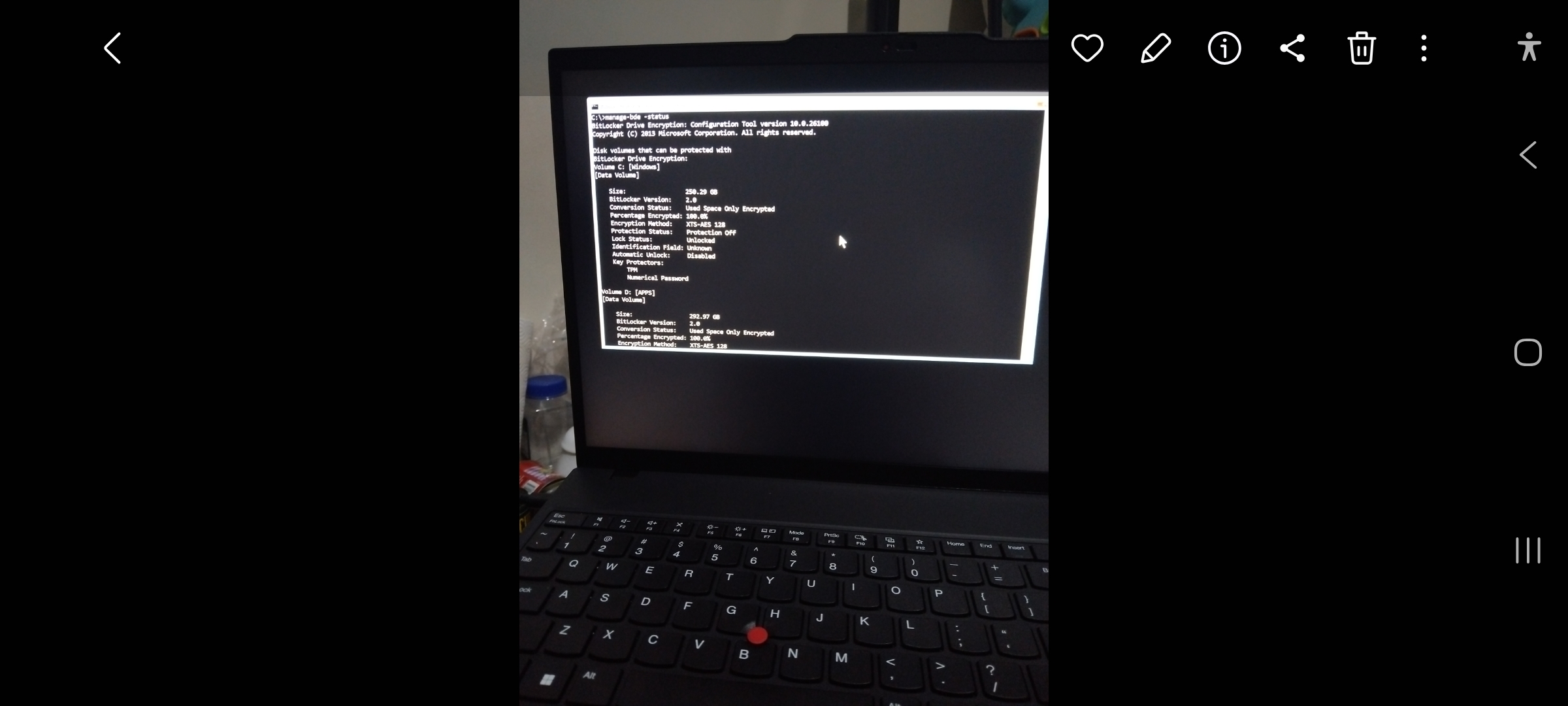
LGX refused to cooperate. Recovery attempts failed. Windows repairs failed. System Restore wasn’t helping. Before long, I found myself staring at recovery screens instead of a desktop.
Fortunately, I had another machine available.
Unfortunately, that machine was HPF.
Calling HPF “fully operational” would be generous.
HPF is an HP EliteBook Folio 9480m that has survived years of service, several repairs, and what can only be described as a refusal to die.
Its internal cooling fan has failed.
Its battery has failed.
Its internal Wi-Fi antenna has failed.
The original SSD has been replaced.
The RAM has been upgraded to the maximum supported capacity.
An external speaker has been added.
Two external Wi-Fi adapters are used for connectivity.
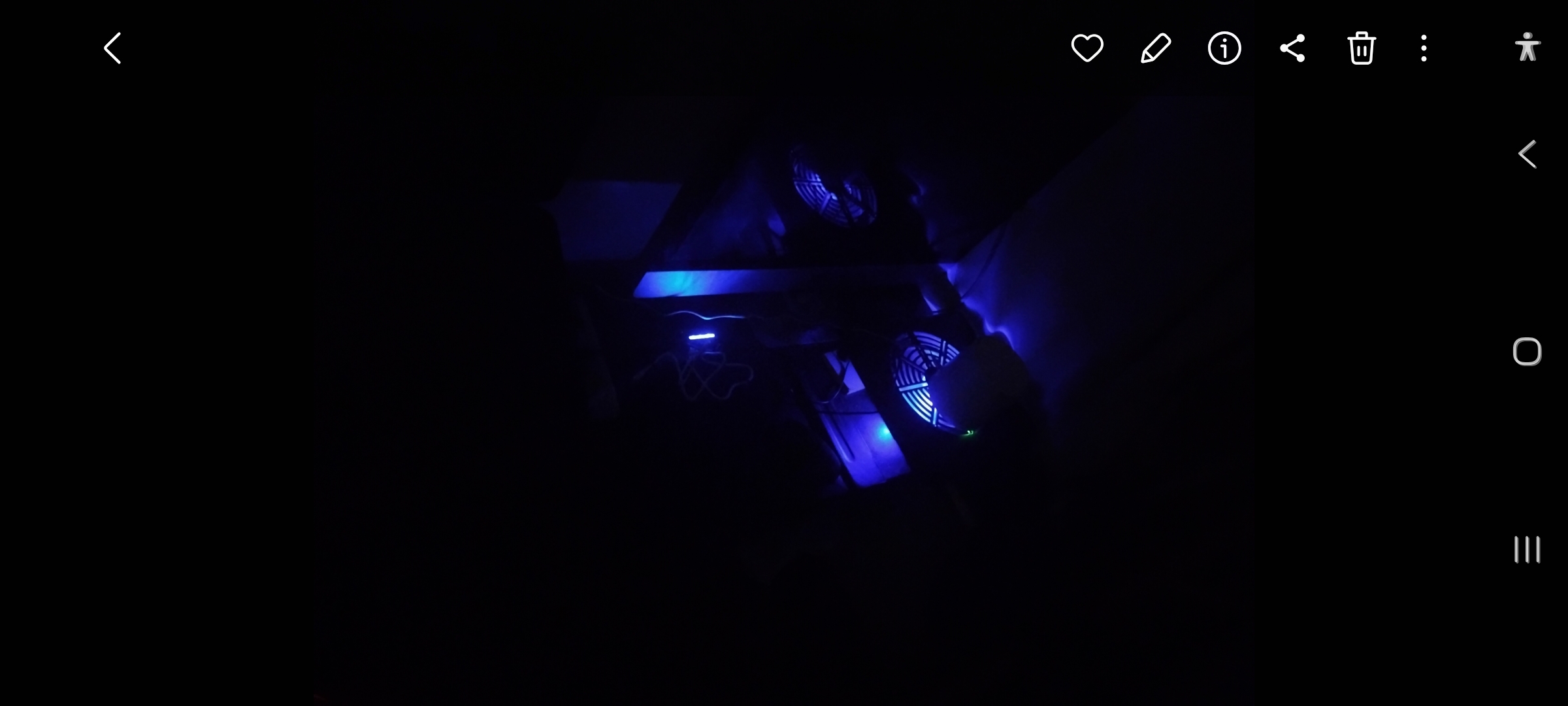
The machine sits on a cooling pad and is surrounded by external fans.
At one point, a jet fan was recruited into active service.
Air conditioning is considered part of its cooling system.
For a while, I even used metal chopsticks as improvised heat spreaders against the chassis.
And somehow, despite all of this, HPF remained my most reliable computer.
When the Lenovo failed, HPF became the recovery workstation.
The first task was creating Lenovo recovery media.
That should have been simple.
It wasn’t.
The Lenovo Recovery Creator downloaded recovery files for hours. Then it failed verification.
I investigated.
A filename conflict was preventing the process from completing.
After fixing that, the download resumed.
Then it failed again.
This time it was a USB issue.
I changed USB drives.
It failed again.
I changed USB ports.
It failed again.
I discovered one of the USB drives hadn’t been formatted correctly.
I manually repaired it.
The recovery creation process restarted.
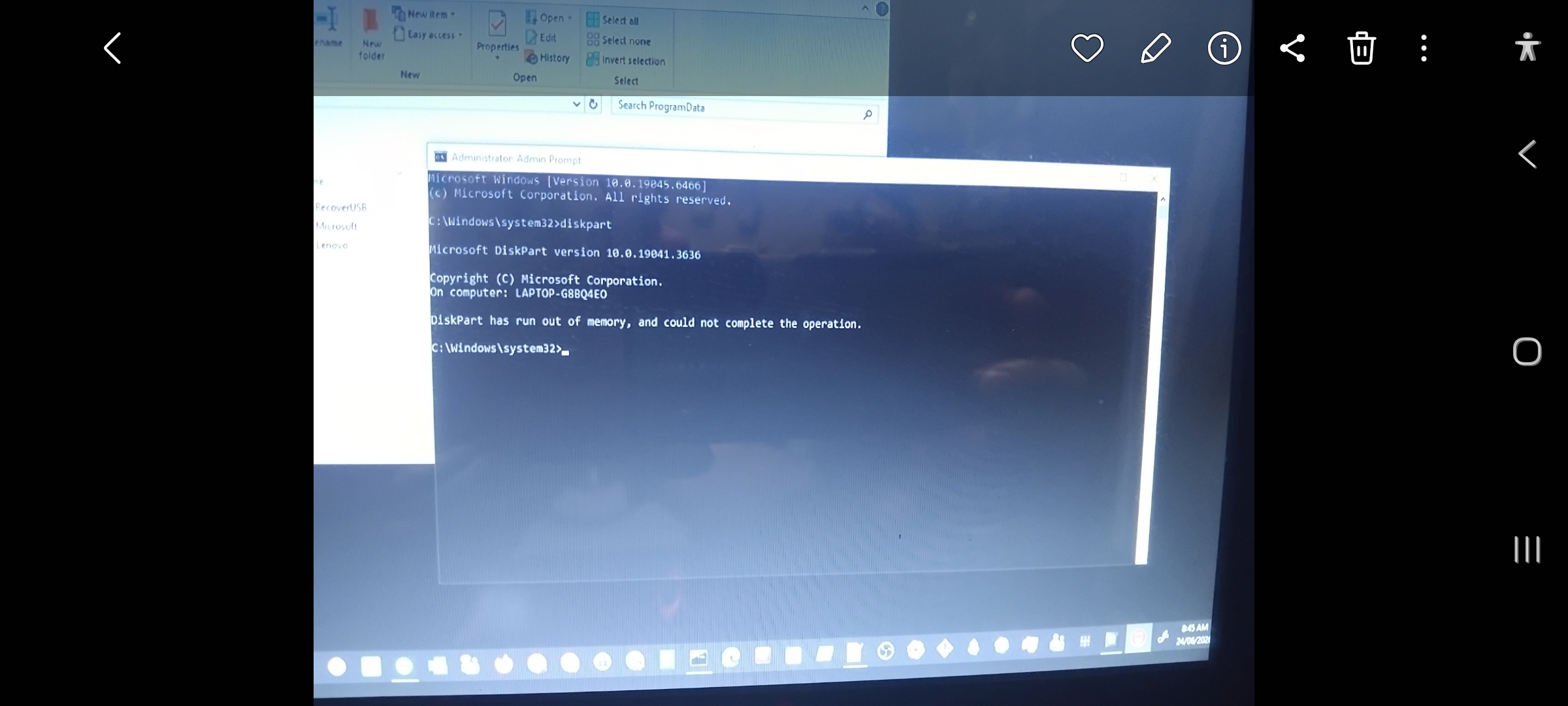
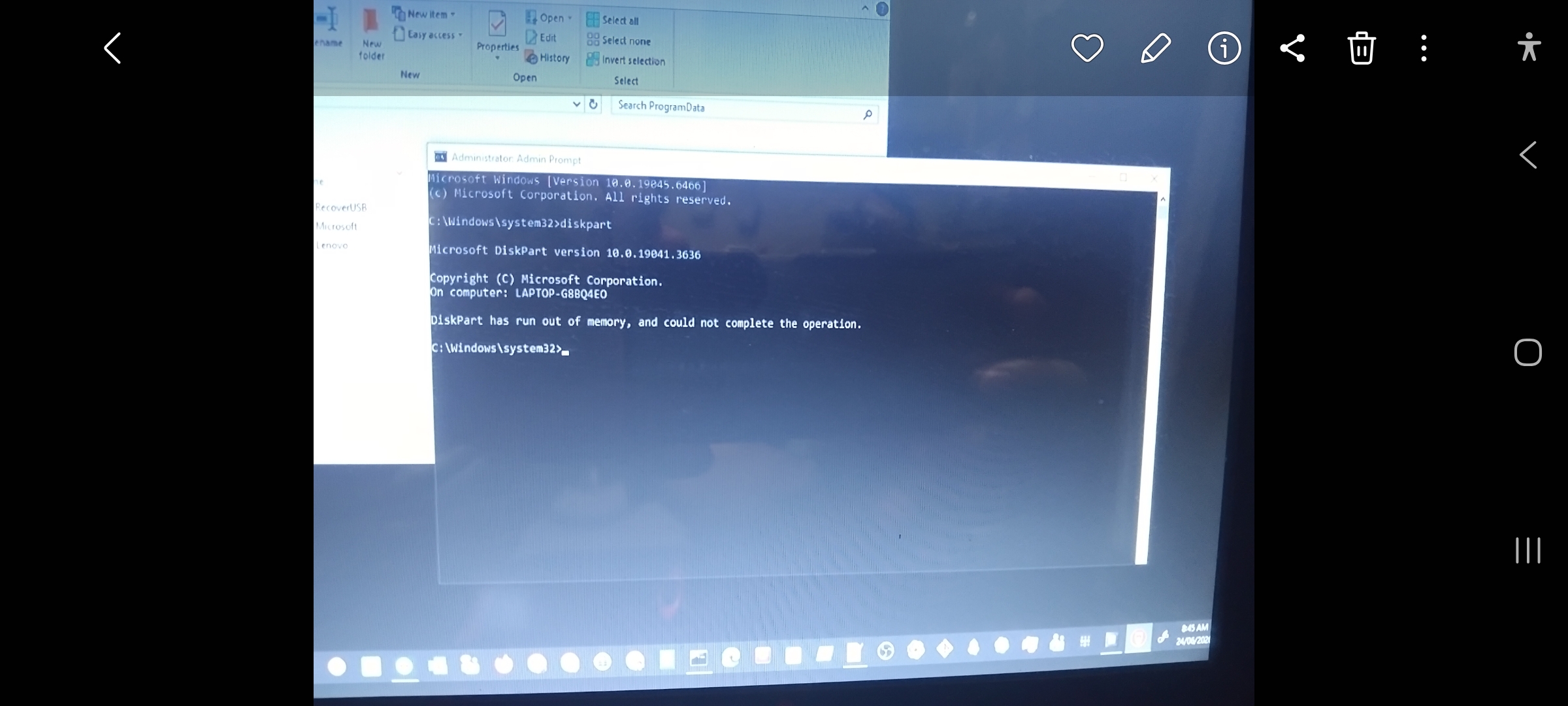
Then DiskPart informed me that it had run out of memory.
DiskPart.
A utility that normally consumes almost no resources.
At this point, I started wondering whether I was debugging the Lenovo, the recovery software, or reality itself.
After several more attempts, I shut HPF down completely, allowed it to cool, restarted it, closed every unnecessary application, and tried again.
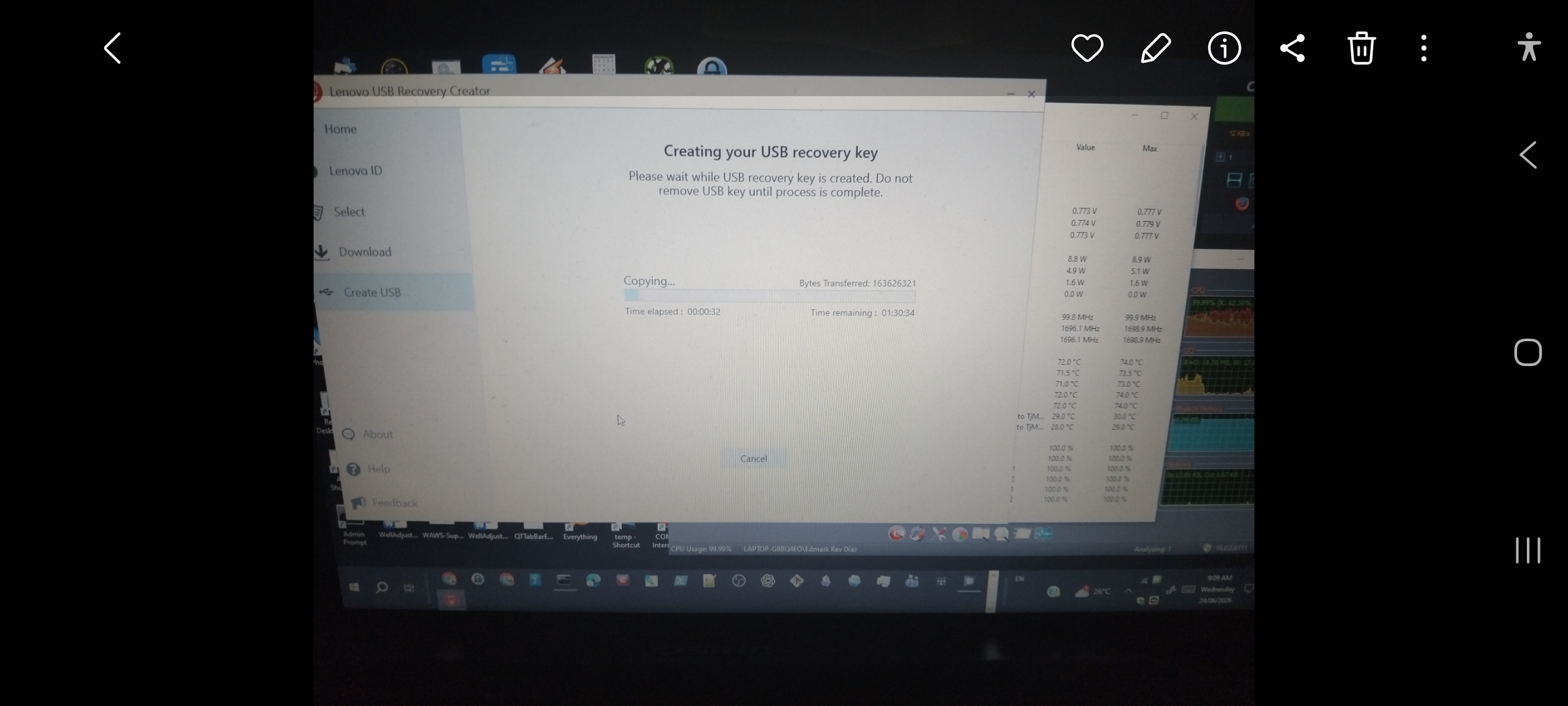
This time, the recovery creation process finally progressed beyond formatting and began copying files.
Success.
The Lenovo recovery USB had been created.
The old veteran had forged the tool that would save its replacement.
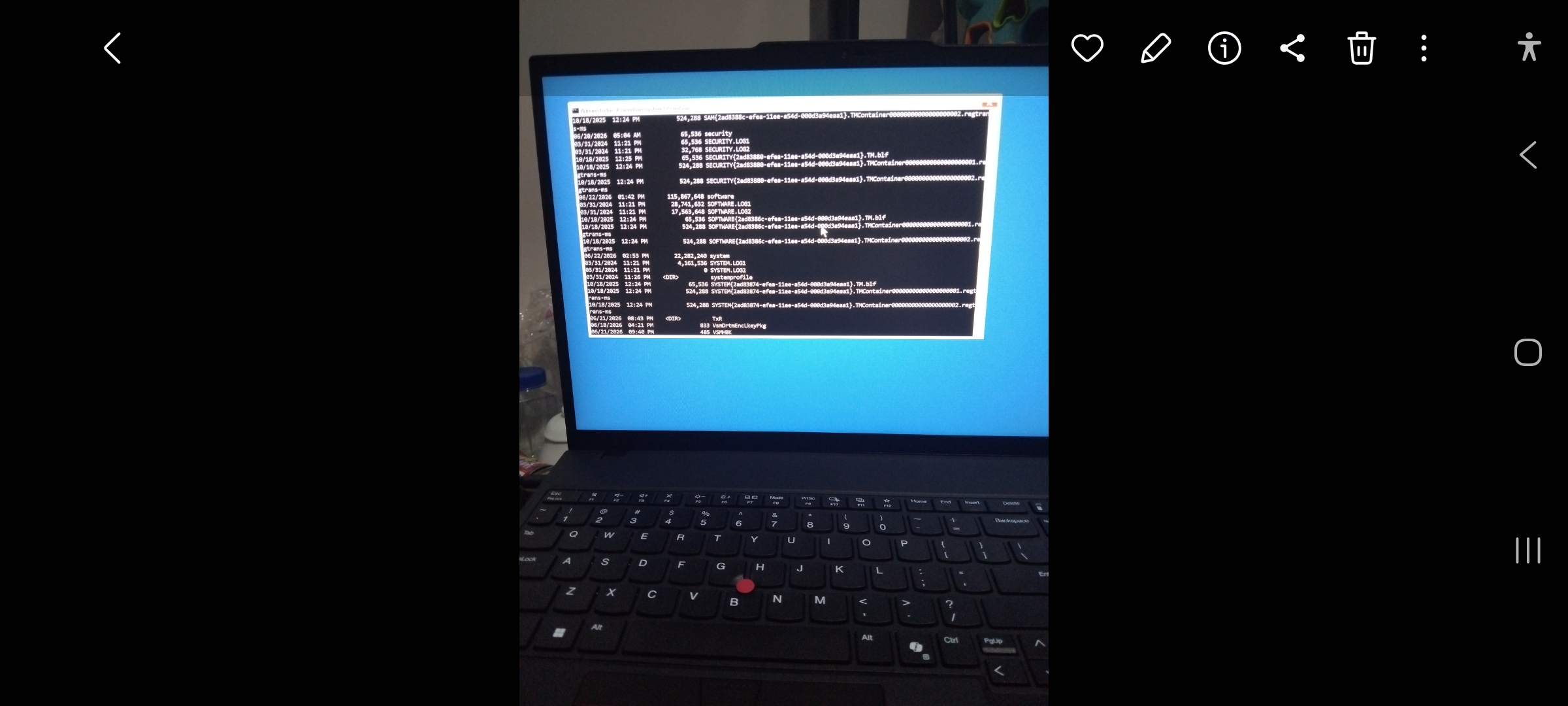
With the recovery media finally available, I booted LGX and began the factory recovery process.
This is where Lenovo introduced another surprise.
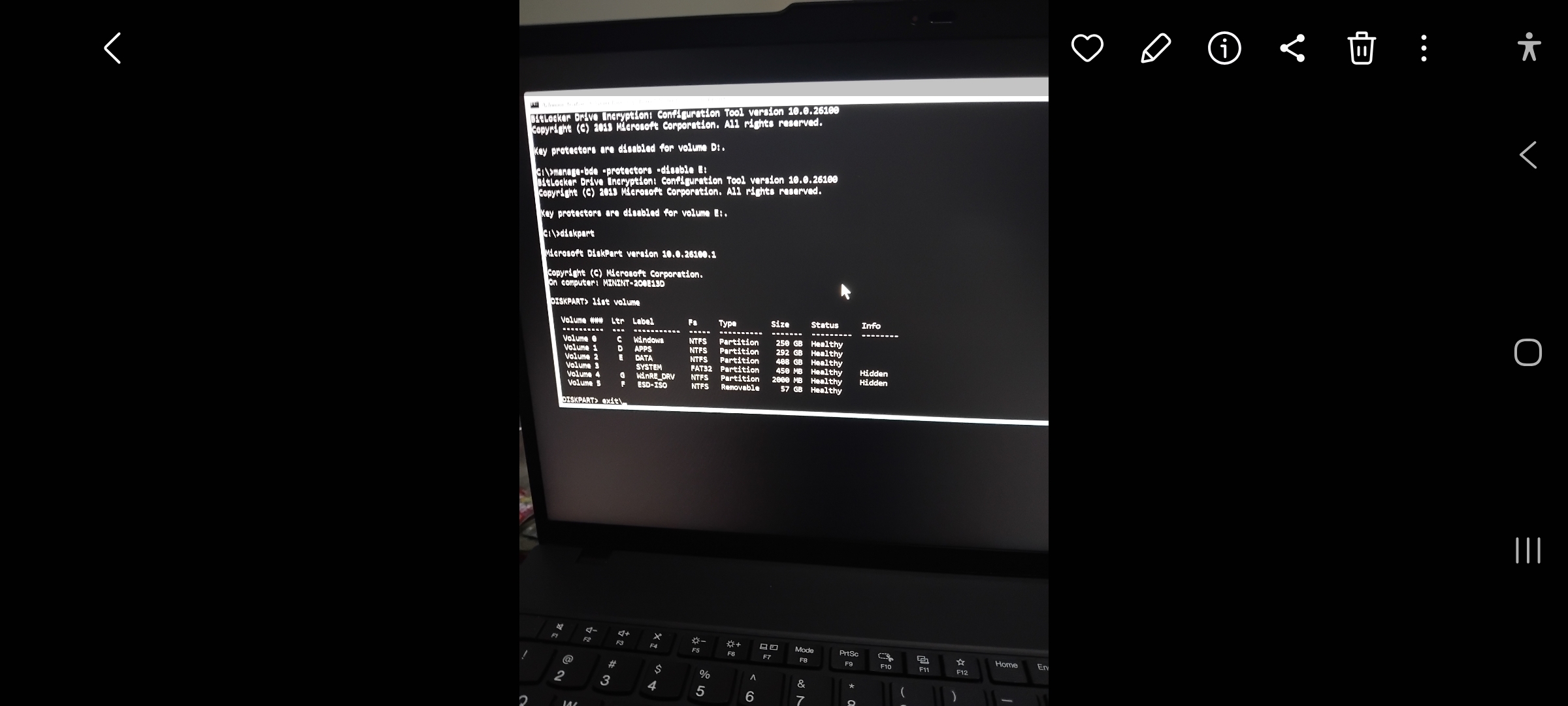
Rather than simply restoring the Windows partition, the recovery process deleted all existing partitions and recreated the drive as a single volume.
No warning.
No option.
No choice.
As someone who intentionally separates operating systems, applications, and data across multiple partitions, I was not amused.
Fortunately, all important files had already been backed up to HPF and the cloud, so the damage was limited to inconvenience.
The recovery completed successfully.
LGX booted.
The machine was alive again.
But the work wasn’t over.
Drivers needed to be installed.
Windows updates needed to run.
Applications needed to be reinstalled.
Restore points needed to be recreated.
Meanwhile, HPF continued carrying my actual workload.
While the supposedly modern Lenovo was rebuilding itself, the aging HP continued performing productive work despite its failed fan, failed battery, failed Wi-Fi, extensive modifications, and increasingly elaborate cooling infrastructure.
The irony was impossible to ignore.
The old machine had become the dependable one.
Eventually, LGX stabilized.
Drivers were installed.
Updates completed successfully.
New restore points were created.
The Lenovo Recovery USB was safely archived.
The failed USB used during troubleshooting was repaired and returned to service.
Both systems were operational again.
Looking back, there wasn’t one single root cause.
The incident was a combination of software quirks, recovery tool limitations, USB issues, configuration problems, and ordinary bad luck.
Individually, none of them were catastrophic.
Together, they created a surprisingly dramatic recovery adventure.
The experience reinforced a few lessons.
Backups matter.
Recovery media matters.
Restore points matter.
Testing recovery procedures matters.
And perhaps most importantly:
Never underestimate an old machine that has something left to prove.
Today, LGX is alive and well.
HPF is still working.
The Lenovo Recovery USB is safely stored.
The fans are still running.
The jet fan remains on standby.
And somewhere in my troubleshooting notes, the official root cause of the incident remains:
Everything.